Searching for “Pocket Option APK” brings up dozens of download sites — and most of them are not official. The only safe source is the Pocket Option website itself, where the APK is linked from the Apps section. This guide covers how to download and install it on Android, when the Google Play version is the better choice, what iPhone and PC users should do, and how to spot fake files.
Where to download the official Pocket Option APK
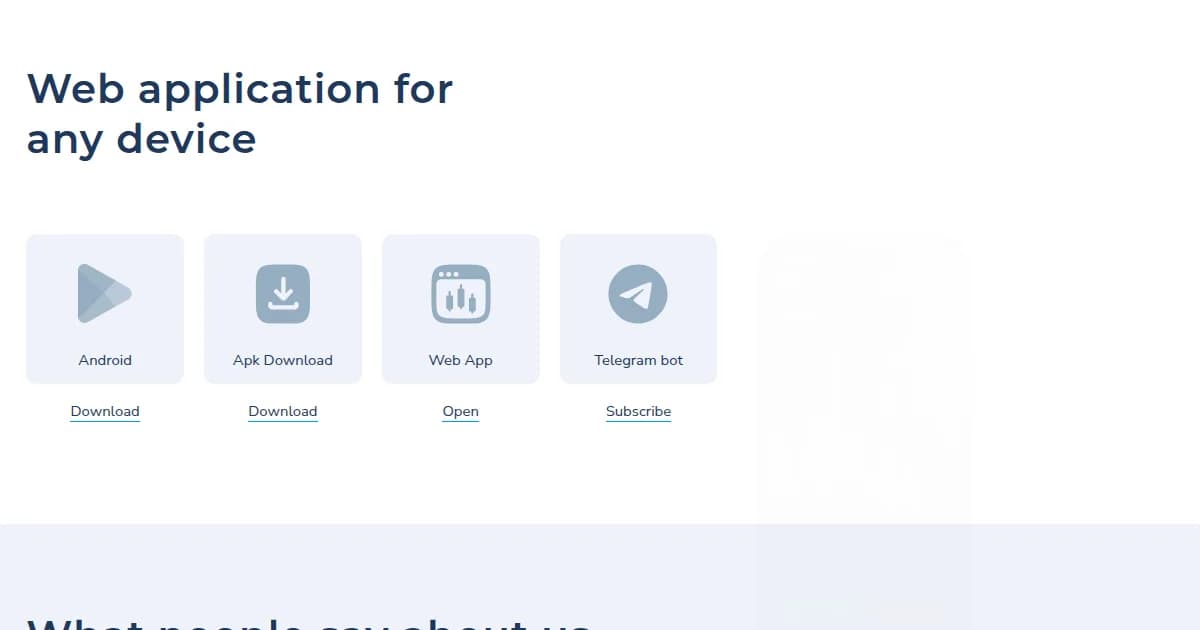
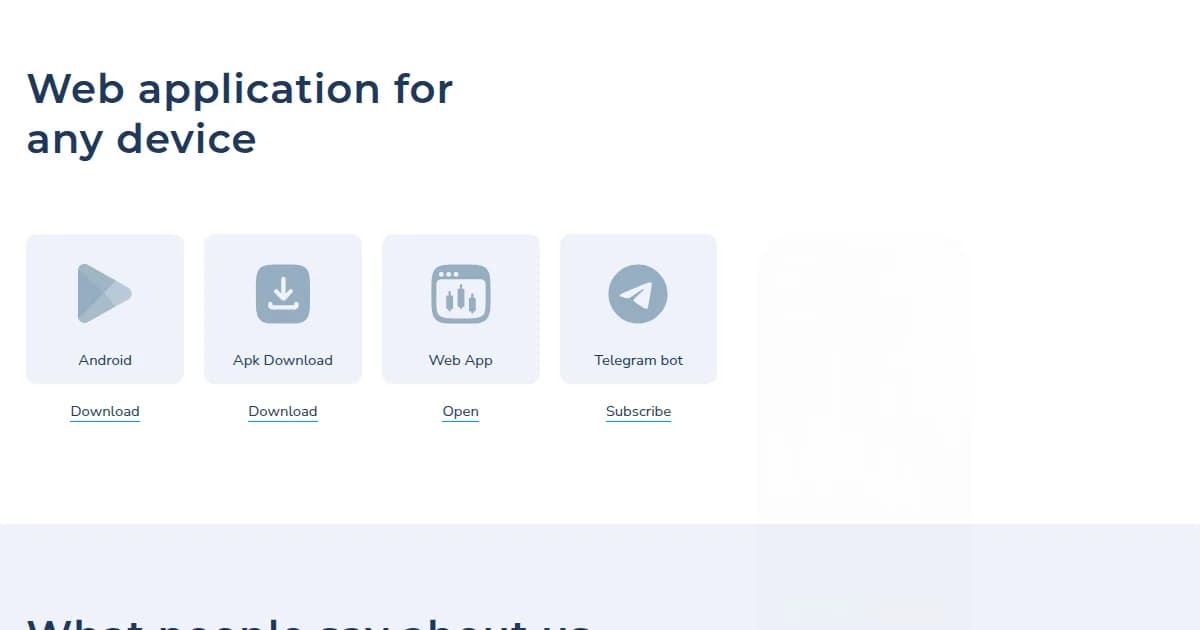
Open pocketoption.com in your phone browser, scroll to “Web application for any device” and tap APK Download. The file is served directly from the pocketoption.com domain (path /apk/pocket_option-release.apk). If a download button leads to any other domain, a file-sharing service or asks you to complete a survey, it is not the official app.
| Option | Best for | Where |
|---|---|---|
| Google Play app | Most Android users — automatic updates | Play Store: com.pocketoption.broker |
| APK file | Devices without Play Store or restricted regions | pocketoption.com → APK Download |
| Web app (browser) | Any device, no installation | pocketoption.com |
| iOS | iPhone / iPad | App Store or web app |
| Desktop app | Windows / macOS | pocketoption.com → Apps |
How to install the APK on Android
- 1Download the APK from pocketoption.com (about 30–60 MB depending on version).
- 2When the download finishes, tap the file. Android will ask to allow installs from this source — enable “Allow from this source” for your browser.
- 3Tap Install and wait for the process to complete, then Open.
- 4Log in with your existing email and password or register a new account. Enable biometric login in Settings for quick access.
- 5Switch to the demo account first to check that charts and execution work on your device.
System requirements
- Android 8.0 or newer; 2 GB RAM recommended for smooth charts.
- Stable internet connection — 4G is enough; on unstable Wi-Fi use the 1-minute chart, not tick charts.
- Around 150 MB of free storage after installation.
- Same account works on web, Android, iOS and desktop simultaneously.
How to spot a fake Pocket Option APK
- Download URL is not on pocketoption.com.
- File size is much smaller than 30 MB or much bigger than 100 MB.
- The app asks for SMS, contacts or accessibility permissions — the official app does not need them.
- Login page has a different design or asks for a card number before login.
- Promoted via Telegram “VIP groups” or YouTube videos with profit screenshots.
iPhone and PC: what to use instead
There is no APK for iOS — iPhone users install the app from the App Store where available or simply open pocketoption.com in Safari and add it to the home screen; the web version has the full terminal. On Windows and macOS you can trade in any browser or download the desktop application from the Apps section, which is convenient for multiple charts and indicators.
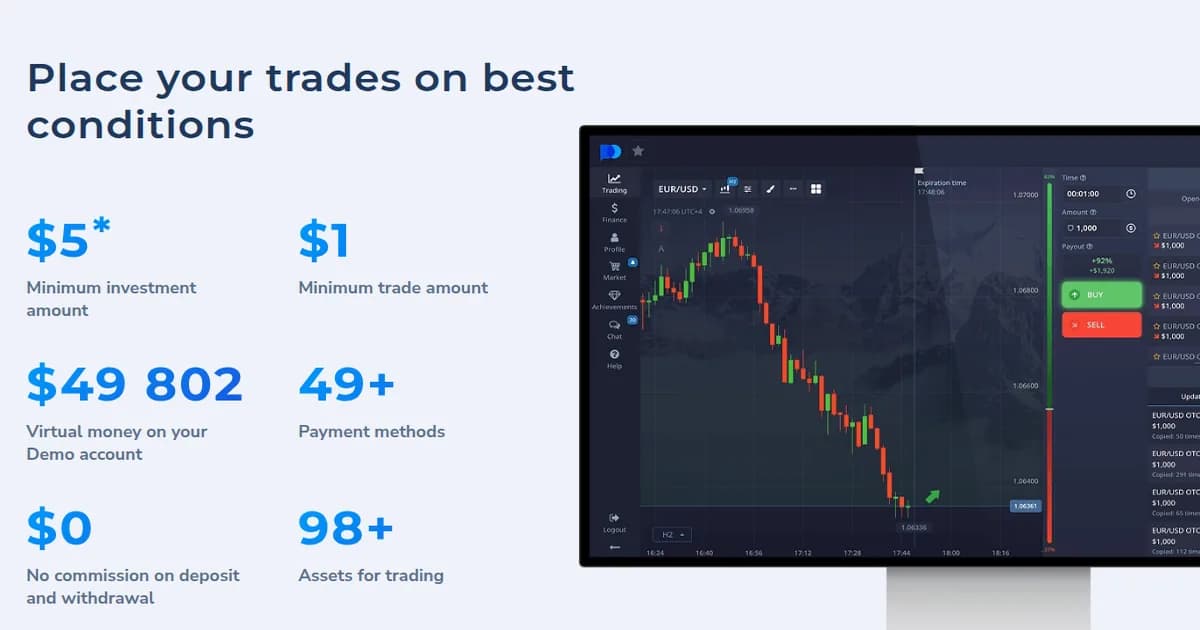
Install the app, log in and start on the free $50,000 demo — no deposit required.
Open free demo