Sooner or later every Pocket Option trader meets the verification screen — usually when requesting the first withdrawal. KYC (Know Your Customer) is a standard anti-money-laundering requirement, and on pocketoption it is straightforward if you know which documents are accepted and how to photograph them. This guide covers the full process, timing, and the mistakes that get documents rejected.
Why Pocket Option asks for verification
- Regulatory requirement (AML/KYC) — the platform must confirm that the account holder is a real adult person.
- Protection against fraud: it prevents withdrawals to stolen cards and stops duplicate accounts.
- Payment security: the payment method used for deposits must belong to you, so withdrawals go back to the same person.
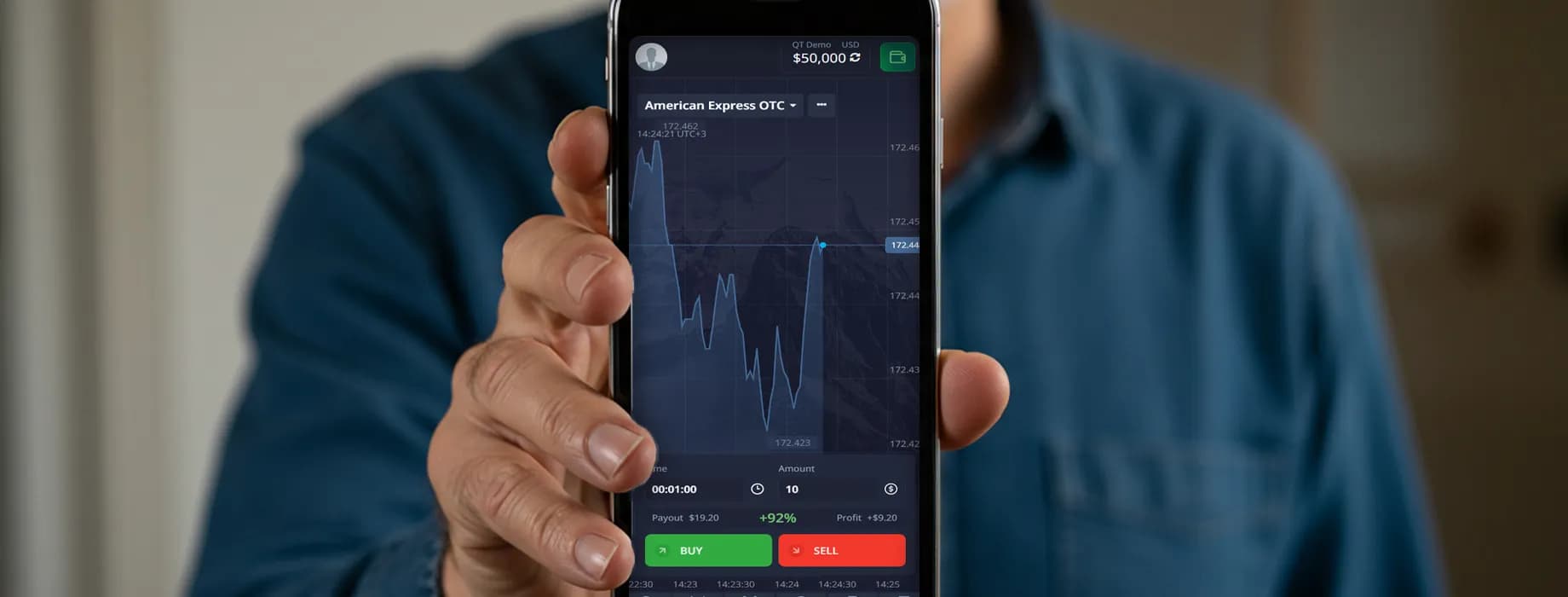
You do not need to verify to register, use the $50,000 demo, deposit or trade on a real account. However, the first withdrawal request normally triggers a verification check, and the payout is held until the documents are approved. The platform may also request verification at any time if it detects unusual activity.
Which documents are accepted
| Verification | Accepted documents | Requirements |
|---|---|---|
| Identity | Passport, national ID card, driving licence | Valid (not expired), full document visible, photo and date of birth readable |
| Address | Utility bill, bank statement, tax letter, internet/phone bill | Issued within the last 3 months, showing your name and full address |
| Payment method | Photo of the bank card used for deposit | First 6 and last 4 digits visible, middle digits and CVV covered; e-wallet: screenshot of the account page |
How to verify your Pocket Option account step by step

- 1Log in and open Profile (click your avatar or name in the top-right corner).
- 2Fill in Personal data: full name as in your ID, date of birth, country, city and address. Save.
- 3Open the Verification tab. Confirm your e-mail and phone number if you have not yet.
- 4Identity: choose the document type and upload a clear photo or scan (JPG/PNG/PDF, all four corners visible, no glare).
- 5Address: upload a document issued within the last 3 months with your name and address.
- 6Payment method: upload a photo of your card (cover the middle 6 digits and the CVV) or an e-wallet screenshot.
- 7Submit. The status changes to “Under review”. You will receive an e-mail when each document is approved or rejected.
How long does verification take?
In our experience identity documents are typically checked within a few hours on business days; the full set usually takes up to 1–3 business days. Delays happen when the queue is long (after big promotions or tournaments) or when a document needs manual review. If the status has not changed after 3 business days, contact support via the chat inside the platform with your account e-mail.
Why documents get rejected — and how to fix it
| Rejection reason | How to fix |
|---|---|
| Blurry or dark photo, glare on the document | Shoot in daylight, on a flat dark surface, without flash; check that all text is readable |
| Edges cropped | The whole document, including all four corners, must be in the frame |
| Expired document | Use a valid ID; expired passports are not accepted |
| Name or address does not match the profile | Edit Personal data to match the document exactly, then re-upload |
| Address proof older than 3 months | Download a fresh bank statement or the latest utility bill |
| Screenshot or photocopy instead of the original | Photograph the physical document; for digital statements upload the original PDF |
| Card digits fully visible or fully hidden | Show the first 6 and last 4 digits, cover the rest and the CVV |
Verification and withdrawals

A withdrawal request made before verification is not cancelled — it stays in “Pending” until your documents are approved, then continues processing (usually within 24 hours). If you deposited with several cards or wallets, each payment method may need its own proof. Verification is done once; you will not be asked to repeat it unless your documents expire or your personal data changes.
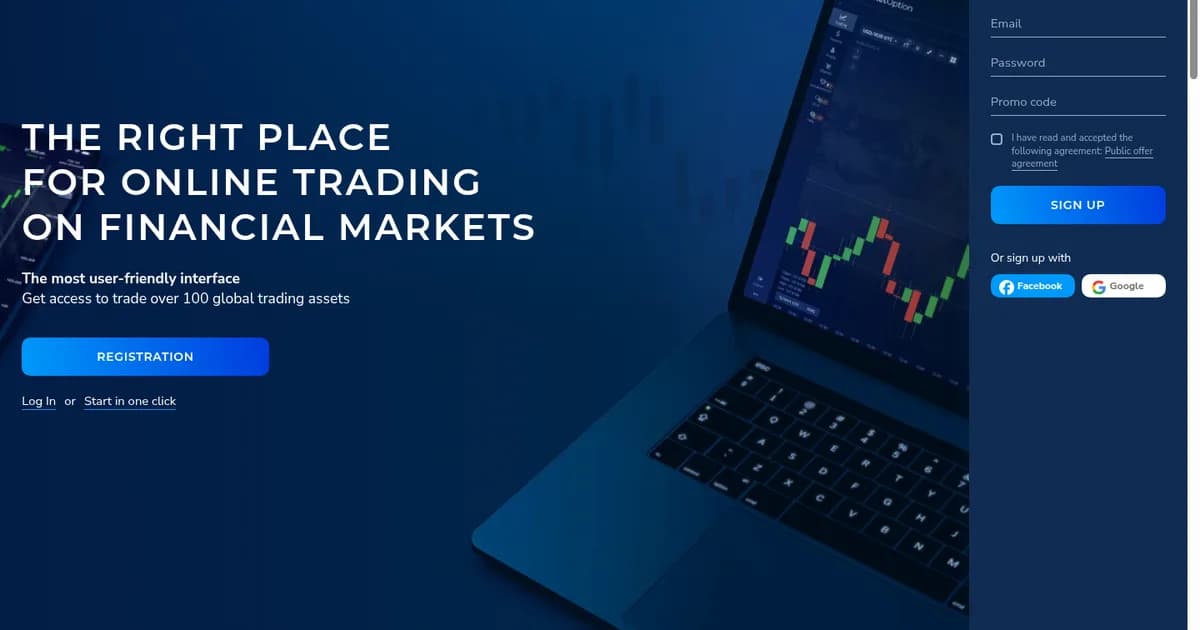
Not registered yet? Create an account, verify it after your first deposit and your withdrawals will never wait for documents.
Register on Pocket Option