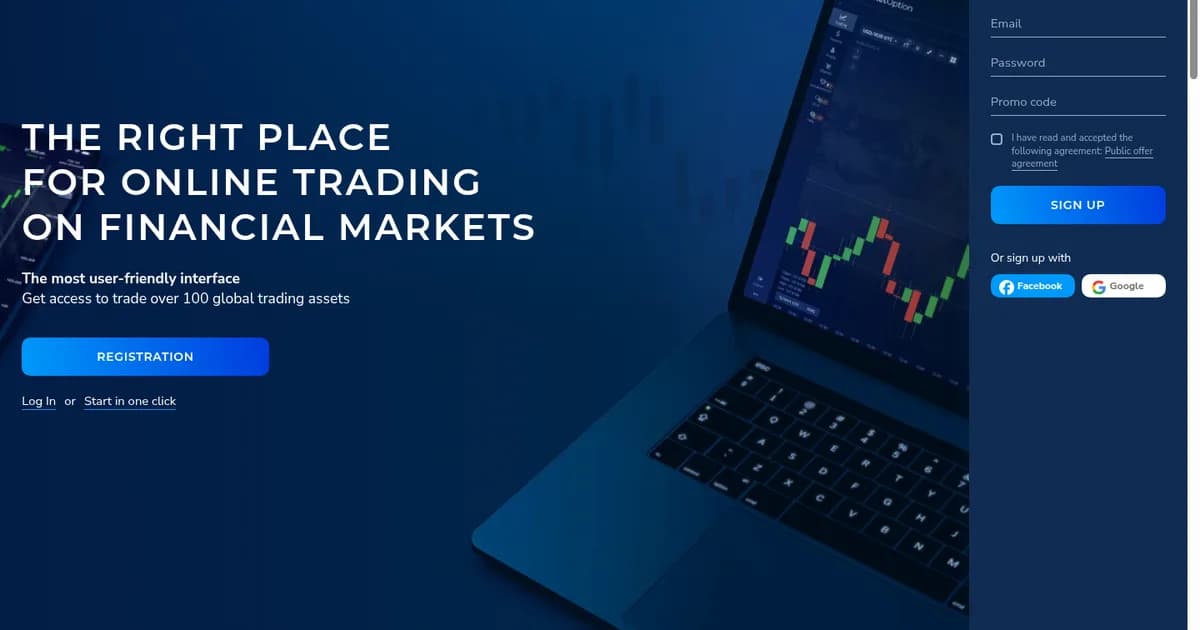
Every Pocket Option journey starts with two screens: the registration form and the login form. Both are simple, but a few details — confirming your e-mail, choosing the right country, enabling 2FA — save you trouble later, especially at withdrawal time. This guide walks through pocketoption sign-up and login on the website and in the app, plus what to do when you cannot get in.
Before you register
- You must be 18 or older and live in a country served by Pocket Option (the USA, EU/EEA, UK, Canada, Australia and Israel are not accepted).
- Use an e-mail you control — it will be needed for confirmation, withdrawal approval and password resets.
- Register in your own name only. Duplicate accounts or accounts for other people are closed during verification.
- Have a promo code ready if you want one (e.g. 50START for +50% on the first deposit); it is entered at registration.
How to register on Pocket Option (step by step)
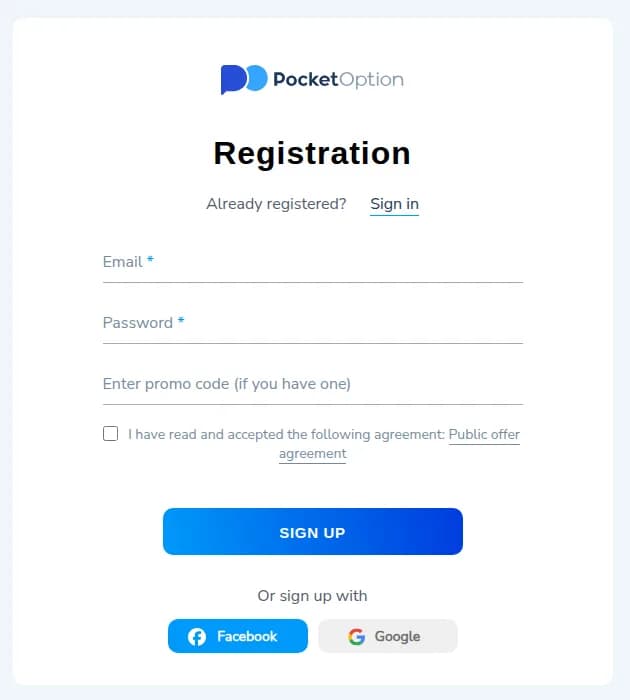
- 1Open the official website and click Registration (top-right on desktop, in the menu on mobile).
- 2Enter your e-mail and create a password of at least 8 characters with letters and numbers.
- 3Optionally enter a promo code in the “Enter promo code (if you have one)” field.
- 4Tick “I have read and accepted the Public offer agreement”.
- 5Click Sign up. The account is created and you land straight in the trading terminal with a $50,000 demo balance.
- 6Open the confirmation e-mail and click the link. Your e-mail is now verified.
How to log in to Pocket Option
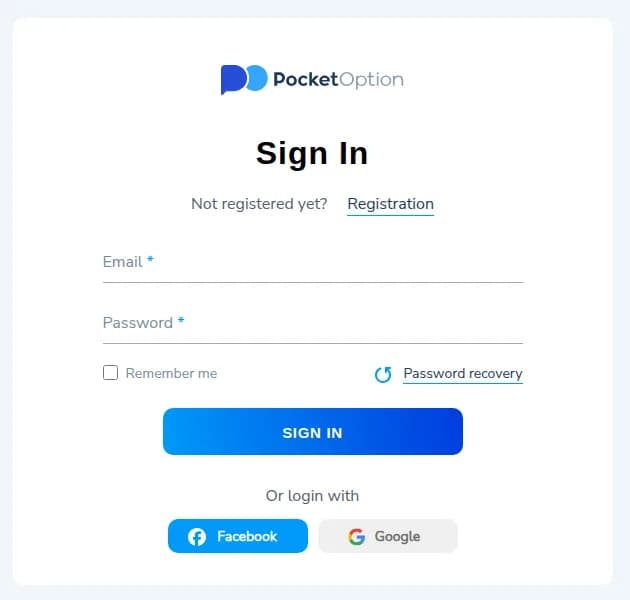
- 1Go to the website and click Log In, or open the app.
- 2Enter the e-mail and password used at registration (or click Google/Facebook if you registered that way).
- 3Tick “Remember me” only on your own device.
- 4Click Sign In. If 2FA is enabled, enter the code from your authenticator app.
The same login works everywhere: the web terminal, the Android and iOS apps and the Windows/macOS desktop apps. You can be logged in on several devices at once; the balance and open trades sync in real time.
Forgot your password? Password recovery
- 1On the login form click “Password recovery”.
- 2Enter the e-mail of your account and submit.
- 3Open the e-mail from Pocket Option and click the reset link (check Spam/Promotions if it is not in Inbox).
- 4Set a new password and log in.
If you registered via Google or Facebook and never set a password, simply use the social button again — no recovery is needed. If you no longer have access to the registration e-mail, contact support from inside the app or via the contact form; they will ask you to verify your identity before changing the e-mail.
Securing your account
- Enable two-factor authentication (Profile → Security) with Google Authenticator or a similar app.
- Use a unique password not reused from other websites; a password manager helps.
- Only log in via the official domain or official apps. Bookmark the site and ignore “login” links from e-mails or social media.
- Complete identity verification early so that withdrawals are not delayed later.
Common login problems and fixes
| Problem | Likely cause | Fix |
|---|---|---|
| “Wrong e-mail or password” | Typo, Caps Lock, old password | Retype carefully or use Password recovery |
| Login works but withdrawal is blocked | E-mail not confirmed / KYC pending | Confirm e-mail, upload documents in Profile |
| Site does not open or shows a country notice | Region not served or ISP block | Check the accepted countries; use the mobile app |
| App keeps logging out | Outdated app version or cache | Update the app, clear cache, log in again |
| No confirmation or recovery e-mail | Filtered as spam | Check Spam/Promotions; add the sender to contacts; request again |
| Account blocked | Duplicate account or terms violation | Contact support with your account e-mail |
Ready to start? Registration takes a minute and the demo account is available immediately after sign-up.
Register on Pocket Option