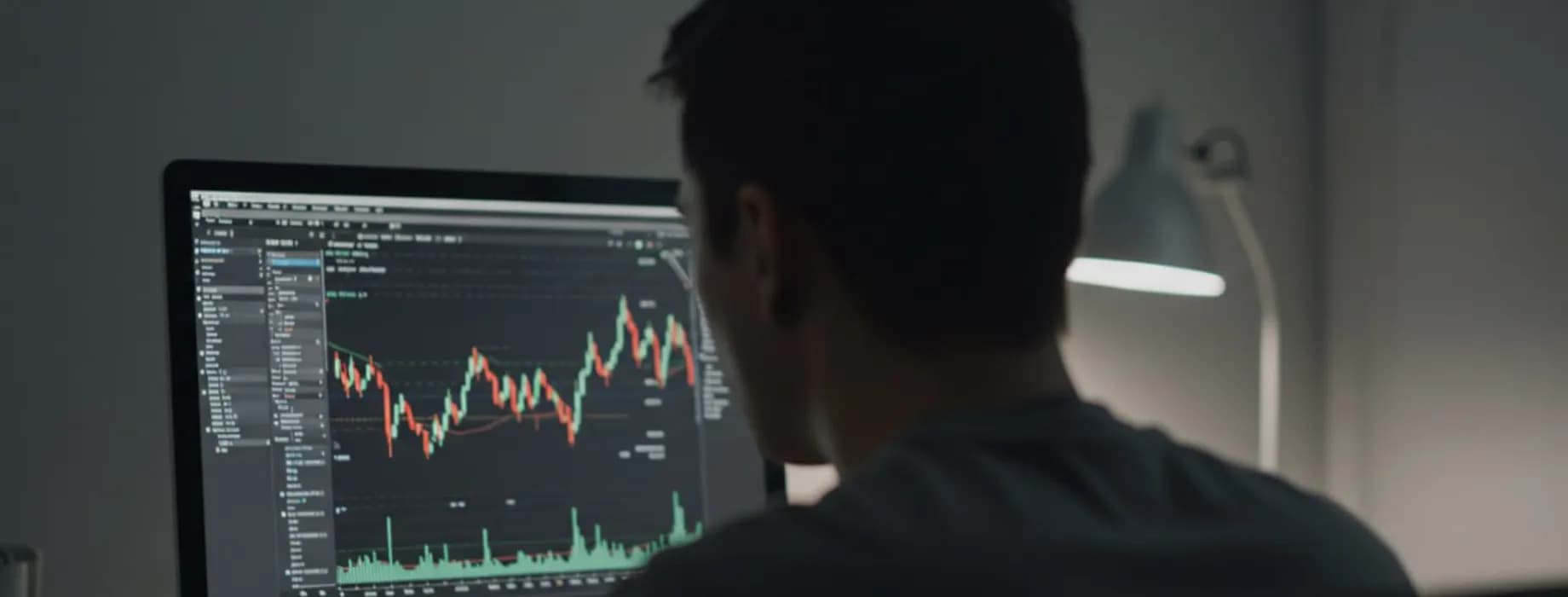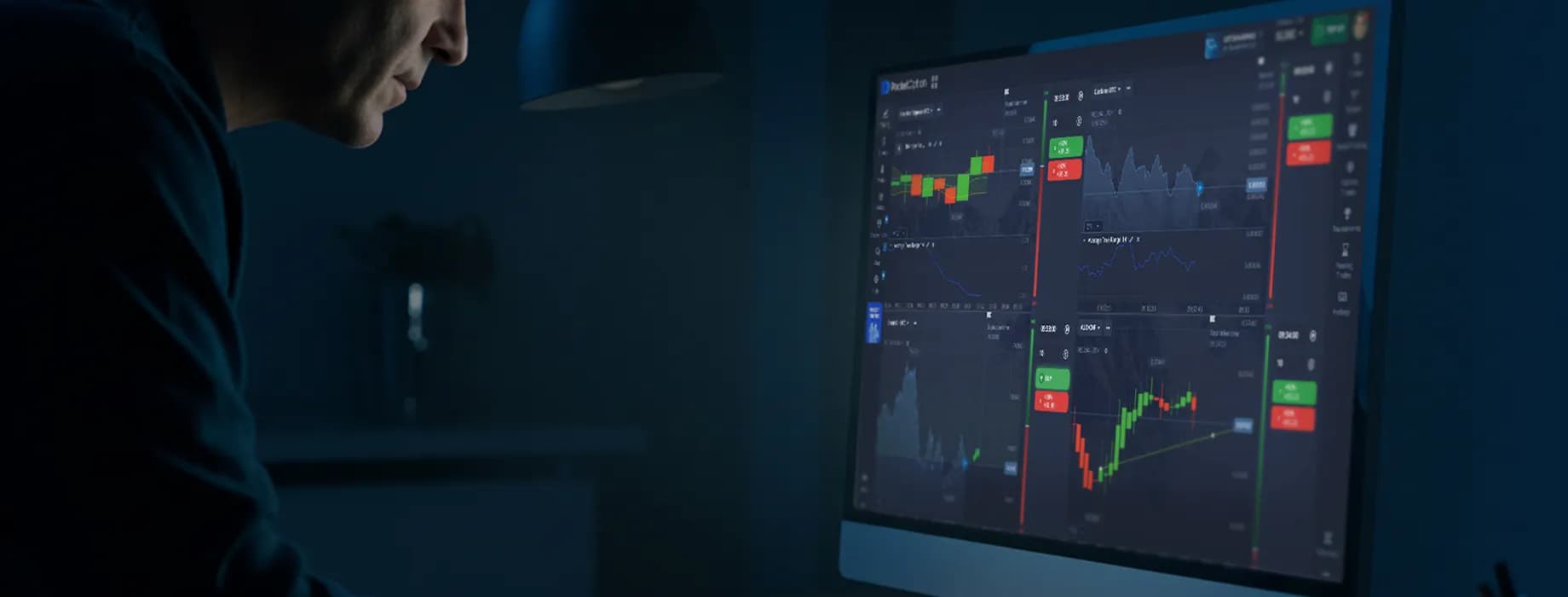
Pocket Option is built around one screen: the trading terminal. Once you understand its five zones — asset selector, chart, trade panel, payout indicator and the trade history — you can open a position in under ten seconds. This guide walks through the pocketoption terminal exactly as a beginner sees it, from the first login to the first closed trade.
What the Pocket Option terminal looks like
After you log in (or open the demo account), the terminal is split into three areas. On the left is the asset list and the tool sidebar (indicators, drawing tools, signals, social trading). In the centre is the price chart. On the right is the trade panel, where you set the time, the amount and choose the direction.

- Asset name and payout — shown at the top of the chart, e.g. “EUR/USD OTC · 92%”.
- Chart type and timeframe — candles, bars, line or area; from 5 seconds to 1 day.
- Time — how long the trade stays open before it expires.
- Amount — the sum you invest in this single trade (minimum $1).
- Up / Down — your forecast: will the price be higher or lower at expiration?
Step 1 — choose an asset and check the payout
Click the asset name to open the list. Pocket Option groups 100+ instruments into currencies, cryptocurrencies, commodities, stocks and indices. Next to each asset you see the current payout — the percentage added to your stake if the forecast is correct. Payouts change during the day and differ between regular and OTC assets, so beginners usually filter the list by highest payout and stick to two or three liquid pairs such as EUR/USD, GBP/USD or BTC/USD.
Step 2 — set the expiration time
Expiration is when the trade closes and the result is fixed. Pocket Option offers two modes: a fixed duration (from 5 seconds to several hours) and a specific closing time on the clock. Short expirations (5 s – 1 min) are fast but noisy; 5–15 minutes give most indicators time to work. Match the expiration to the timeframe you analyse: if you read 1-minute candles, an expiration of 3–5 minutes is a common starting point.
Step 3 — enter the trade amount
Type the sum or use the +/− buttons. The minimum trade on pocketoption is $1, which lets you trade real money with a $5 deposit. Professional money management keeps a single trade at 1–2% of the balance: with $100 on the account that is $1–$2 per trade. The panel instantly shows the potential profit, e.g. “$10 → +$9.20” on a 92% payout.
Step 4 — pick a direction: Up or Down
Click the green Up button if you expect the price at expiration to be higher than the entry price, or the red Down button if you expect it to be lower. The trade appears on the chart as a horizontal line at the entry price with a countdown. When time runs out, the trade closes automatically: a correct forecast returns your stake plus the payout, an incorrect one loses the stake.
| Result | Trade $10, payout 92% | Balance change |
|---|---|---|
| Forecast correct | Stake returned + $9.20 profit | +$9.20 |
| Forecast wrong | Stake lost | −$10.00 |
| Price unchanged (tie) | Stake returned | $0.00 |
Step 5 — add indicators and read the chart
The sidebar contains more than 30 built-in indicators (RSI, MACD, Bollinger Bands, moving averages, Stochastic and others) plus drawing tools for trend lines and support/resistance. Add one or two indicators at most — a beginner set is a 20-period EMA for trend direction and RSI(14) for overbought/oversold zones. The terminal also shows the “traders’ choice” bar (the share of traders buying Up vs Down) and optional signals; treat these as context, not as a trigger.
Practise on the demo account first

The Pocket Option demo account gives you $50,000 of virtual funds on the same terminal, the same assets and the same payouts as the real account. Use it to test expirations, indicator settings and your money-management rules until you have at least 50–100 demo trades with stable results. Switching between demo and real is one click at the top of the balance panel.
Five beginner mistakes to avoid
- 1Increasing the amount after a loss (“martingale”) — the fastest way to zero a small balance.
- 2Trading 5-second expirations without a strategy — this is noise, not analysis.
- 3Opening trades on ten assets at once instead of learning two or three deeply.
- 4Ignoring the economic calendar — news spikes break most technical setups.
- 5Skipping the demo stage or leaving it too early.
Ready to try the terminal? Open the free demo, place a few Up/Down trades and come back to this guide when you switch to a real account.
Open Pocket Option demo