“Pocket Option signals” is one of the most searched phrases around the platform — and one of the most abused. The term covers three very different things: the free Signals panel built into the pocketoption terminal, paid or free Telegram channels run by third parties, and automated bots or “AI” apps that promise to trade for you. This guide explains what each one is, how to test it honestly on a demo account and how to spot the scams that cost beginners their first deposit.
The built-in Signals panel on Pocket Option
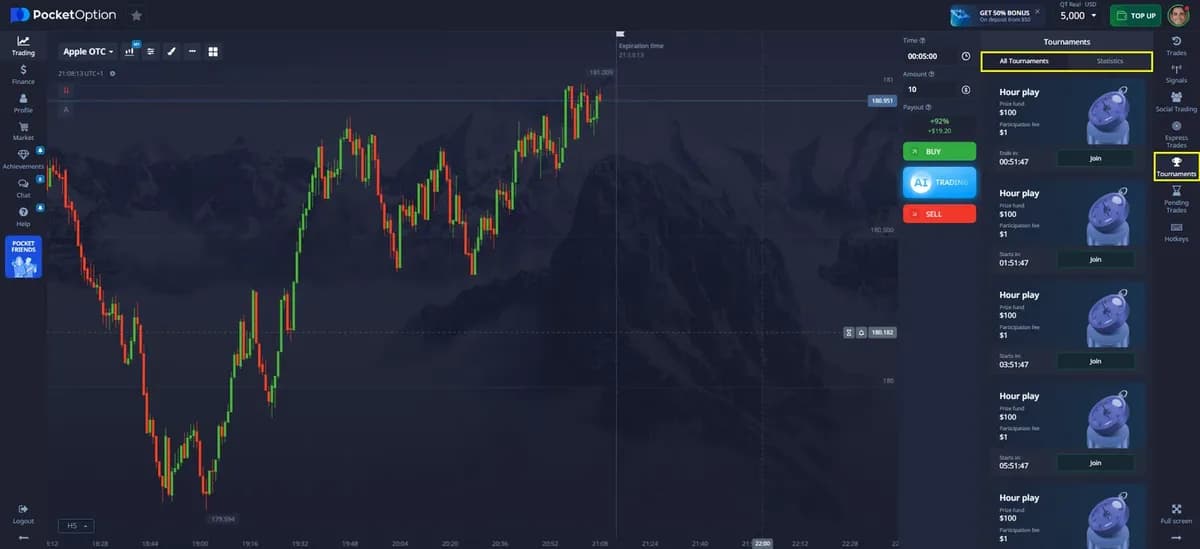
Click Signals in the right sidebar of the terminal and you will see a list of assets with a direction (Up/Down), a strength indicator and a time horizon (for example 1 minute, 5 minutes, 30 minutes). The signals are generated automatically from technical indicators such as moving averages, RSI and MACD — they summarise the current trend, they do not predict the future. They are free, updated in real time, and available on demo and real accounts.
| Element | What it shows | How to use it |
|---|---|---|
| Direction | Dominant trend on the chosen horizon | Trade only in the direction of the signal on the same or a longer timeframe |
| Strength | How many indicators agree | Prefer strong signals; skip weak or mixed ones |
| Horizon | Timeframe the signal refers to | Match your expiry to it — a 5-minute signal is not for 5-second trades |
| Asset payout | Shown next to the asset | Skip signals on assets below your minimum payout (75–80%) |
Telegram signals and paid channels
Hundreds of Telegram channels sell “Pocket Option VIP signals”. They are not connected to the platform. The business model is usually one of these: a monthly subscription, an affiliate link where the channel earns from your deposits, or an upsell to “account management”. Some are honest analysts with a modest edge; many are marketing machines. The tell-tale signs of a bad channel:
- Only winning screenshots, never a full daily record including losses.
- Claims of 90–98% accuracy — realistically excellent binary traders sit around 60–65%.
- Pressure to deposit through their link or to hand over your login.
- Martingale “recovery” instructions after a loss (double the amount until you win).
- Signals with 5–30 second expiries — nobody can reliably signal that horizon by hand.
Bots, robots and “AI signals”
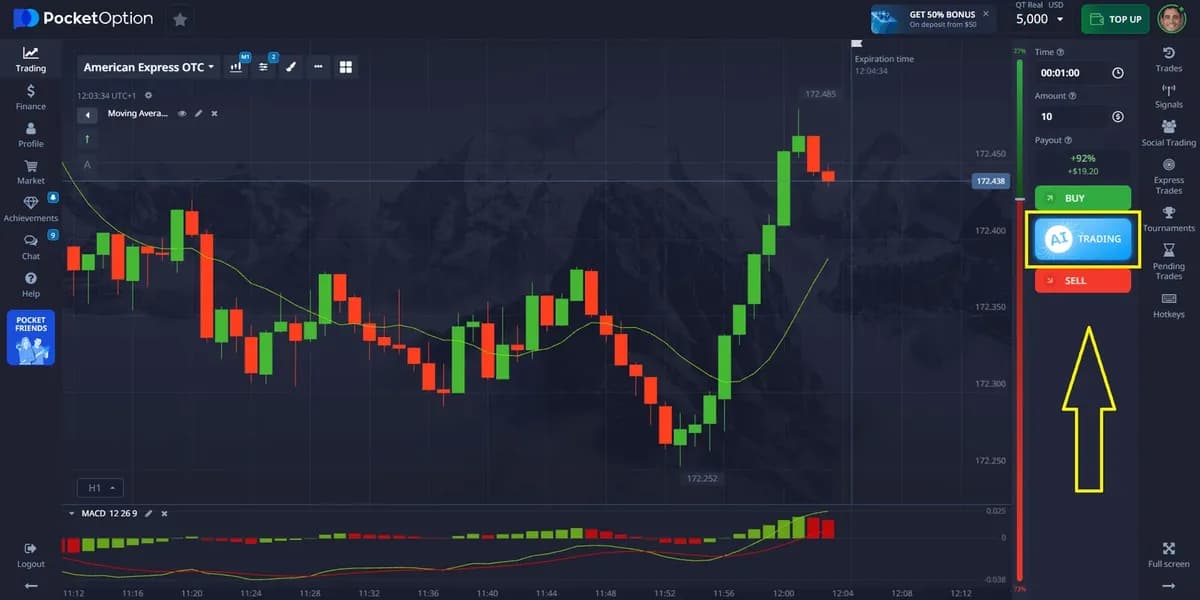
Automated bots claim to read the chart and place trades for you. Some run as browser extensions, others as apps that ask for your Pocket Option session. Three things to know: first, using unauthorised automation may violate the platform rules and lead to account restrictions; second, most bots are simple indicator crossovers wrapped in a slick interface, with results that break down as soon as volatility changes; third, a bot with your credentials has the same risks as account management above. Pocket Option itself offers built-in tools — signals, social trading, express trades — that stay within the rules; use them instead of third-party automation.
How to test any signal source honestly
- 1Open a demo account and pick one signal source (the built-in panel, a channel, a bot).
- 2Follow every signal exactly as given — same asset, direction, expiry — for at least 100 signals or two weeks.
- 3Record each result in a spreadsheet: date, asset, direction, expiry, payout, win/loss.
- 4Calculate the win rate and compare it with the break-even for the average payout: 52.1% at 92%, 55.6% at 80%, 58.8% at 70%.
- 5Only if the win rate stays above break-even plus a margin (about 5 percentage points) across the whole sample should you consider real money — with $1–$2 trades first.
A simple filter that improves most signals
Even average signals become more useful when you filter them. Take a signal only if all of the following are true:
- The asset payout is at or above your minimum (75–80%).
- The direction matches the trend on a higher timeframe (e.g. signal on 1 minute, trend on 5–15 minutes).
- The price is not sitting right at a strong support or resistance against the signal direction.
- No high-impact news is scheduled for that currency in the next 15 minutes.
- You have not yet reached your daily loss limit (e.g. 3 losses or 5% of balance).
Expect to skip more than half of all signals. That is the point — the ones you take are the ones with several factors in your favour.
Signals vs social trading vs your own strategy
| Approach | Cost | Control | Best for |
|---|---|---|---|
| Built-in signals | Free | Full — you decide each trade | Beginners learning to read trends |
| Telegram signals | Free or $30–$200/month | Medium — you follow someone else’s timing | Traders who want ideas but will verify them |
| Bots / AI apps | Often paid, plus your risk | Low — the software trades | Not recommended; rule and security risks |
| Social trading | Free (copy from $1) | Medium — automatic copying with your limits | Small balances that want to learn from top traders |
| Own strategy | Time | Full | Long-term consistent trading |
Try the built-in signals for free: open a demo account, enable the Signals panel and test the filter above before risking a single dollar.
Open a free demo account